Summary
- Skyvia: The best overall balance of ease of use, predictable pricing, and production-ready data movement for teams that want enterprise-grade reliability without enterprise overhead.
- Fivetran: The go-to choice for large organizations that want fully managed data movement at scale and are comfortable paying a premium for convenience.
- Airbyte: A strong option for developer-led teams that value open source and customization, and are willing to trade time and operational effort for flexibility.
- AWS Database Migration Service: Best suited for database migrations into AWS, offering a low-cost, native solution for cloud move projects rather than long-term analytics pipelines.
- Talend: A powerful data fabric platform designed for complex transformation-heavy enterprise workflows that require deep control and dedicated engineering resources.
Data is the lifeblood of modern business, but most of the time it’s stuck in silos – SaaS tools, legacy databases, cloud warehouses, even the occasional CSV someone still emails around. Everyone wants a single, reliable view of their info. Getting it there is usually harder than it should be.
Manual movement might work at the beginning, but it doesn’t scale. Scripts break, exports get missed, schemas change, and suddenly, reporting is off, and no one quite trusts the numbers anymore. What starts as a quick workaround turns into ongoing maintenance.
That’s where automated data movement tools come in.
They’re designed to keep info moving reliably between systems, whether you’re shifting infrastructure to the cloud or maintaining steady, day-to-day synchronization across multiple platforms.
In this guide, we break down the top movement tools for 2026 and compare them across features, pricing models, and real-world use cases. to help you pick the right solution for your situation, from one-time migration to setting up continuous, long-term synchronization.
Table of Contents
- What Are Data Movement Tools?
- Types of Data Movement
- Quick Comparison: Skyvia vs. Competitors
- How to Choose the Right Data Movement Tool
- Conclusion
What Are Data Movement Tools?
This term means software platforms that automate the transfer of info from a source system, such as Salesforce or MySQL , to a destination like Snowflake , BigQuery , or Google Sheets , without relying on manual exports, scripts, or fragile one-off processes.
They sit in the middle of your stack and ensure data moves where it’s needed, when it’s needed, in a way that’s reliable and repeatable.
Types of Data Movement
Data Migration
This is a one-time or short-term move of data, usually tied to a big change like moving from an on-prem database to the cloud or switching core systems. The goal is to copy everything accurately, then shut the pipeline off.
ETL & ELT
These are continuous pipelines built for analytics.
Data is:
- Extracted from source systems;
- Transformed either before or after loading;
- Stored in a warehouse for reporting, dashboards, and downstream analysis.
Data Replication
Replication focuses on keeping copies of data in sync, often in near real time. It’s commonly used for backup, high availability, or making sure critical systems always have an up-to-date mirror.
Reverse ETL
Reverse ETL flips the flow. Instead of moving data into a warehouse, it pushes curated data back into operational tools, like sending enriched Snowflake data into HubSpot, Salesforce, or other business apps.
Top 10 Data Movement Tools Ranked
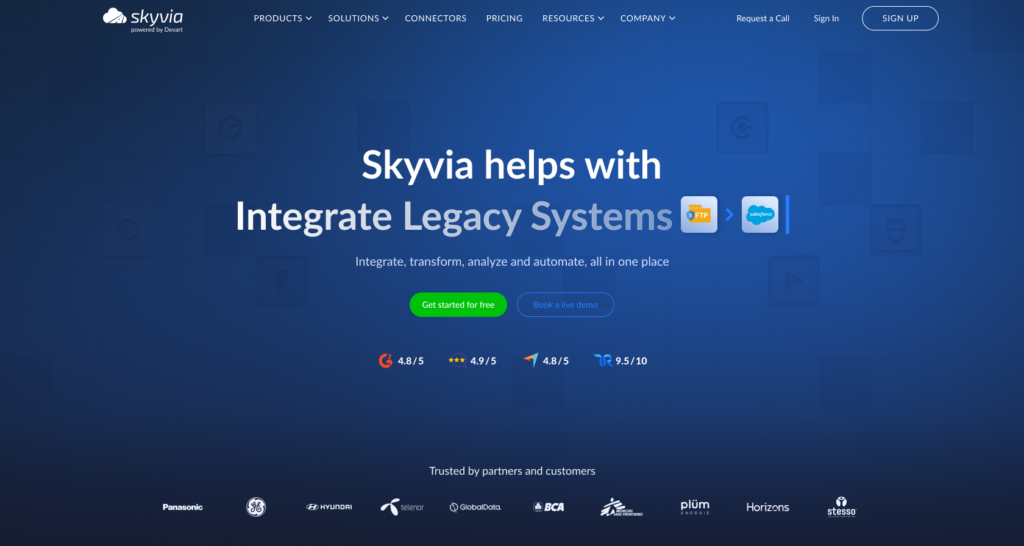
Skyvia
Skyvia is one of the most versatile data movement platforms on the market. It covers everything from analytics pipelines to operational sync, without forcing teams into code-heavy or enterprise-only setups.
G2 / Capterra Rating
Best for
Teams that needing a single data movement tool for multiple scenarios – analytics, CRM and ERP integration, migrations, and ongoing sync – without stitching together separate products or maintaining custom pipelines.
Key Features
- Data import, export, replication, and synchronization between different sources.
- The ability to create complicated data pipelines (Data Flow visual designer) with logic control (Control Flow).
- Automated and scheduled data movement reduces manual effort and ensures timely data availability.
- The platform’s flexibility in mapping and transformation supports dynamic data flows that adapt to changing business needs.
- Skyvia maintains data integrity during movement by applying validations and transformations that preserve the quality and relevance of data.
Pros
- Skyvia handles a data-related scenario of any complexity, not depending on the flow and transformation.
- True bi-directional synchronization, which many competing tools don’t offer.
- Skyvia supports 200+ sources (databases, cloud services, and CRMs like Salesforce, etc.)
- The solution’s usability. According to G2 Crowd, Skyvia leads among the easiest-to-use ETL tools.
- Near real-time data processing ensures that data in different systems is always up to date.
- Skyvia’s secure handling, data movement, and storage comply with standard data protection regulations.
Cons
- Purely cloud-based, with no on-premise deployment option for environments that require local installation.

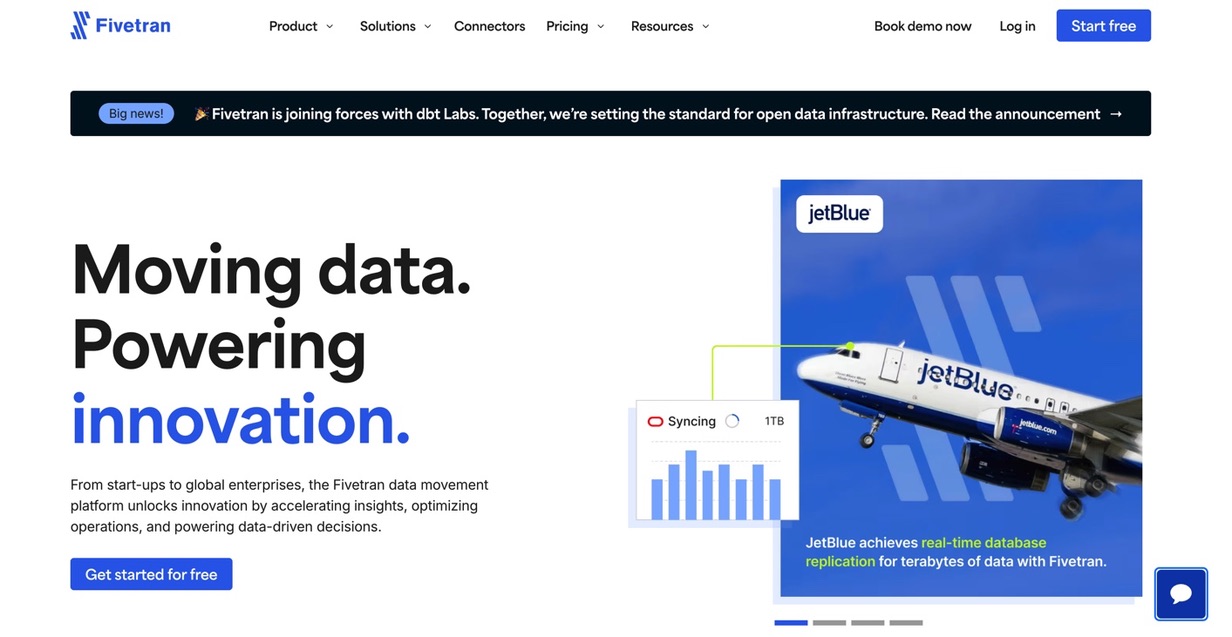
Fivetran
Fivetran is a leading enterprise-grade data movement tool built for “set it and forget it” replication at scale, automatically syncing large volumes of data into analytics warehouses with minimal hands-on management.
G2 / Capterra Rating
Best for
Large organizations and data teams that prioritize fully managed, low-maintenance data movement at scale and are comfortable with usage-based pricing in exchange for reliability and convenience.
Key Features
- Fully managed and automated data pipelines, reducing the need for manual setup and maintenance.
- The solution supports real-time data replication, ensuring up-to-date data availability for analytics and decision-making.
- The ETL approach allows leveraging the power of modern data warehouses for efficient data processing.
Pros
- The app is accessible to users with varying levels of technical expertise.
- Real-time data synchronization ensures that the data in the warehouse is always current, enhancing data reliability for analytics.
- The app easily integrates with multiple cloud platforms and data warehouse technologies.
Cons
- Cost consideration for small businesses.
- Data transformation complexity and limitations for unusual scenarios.
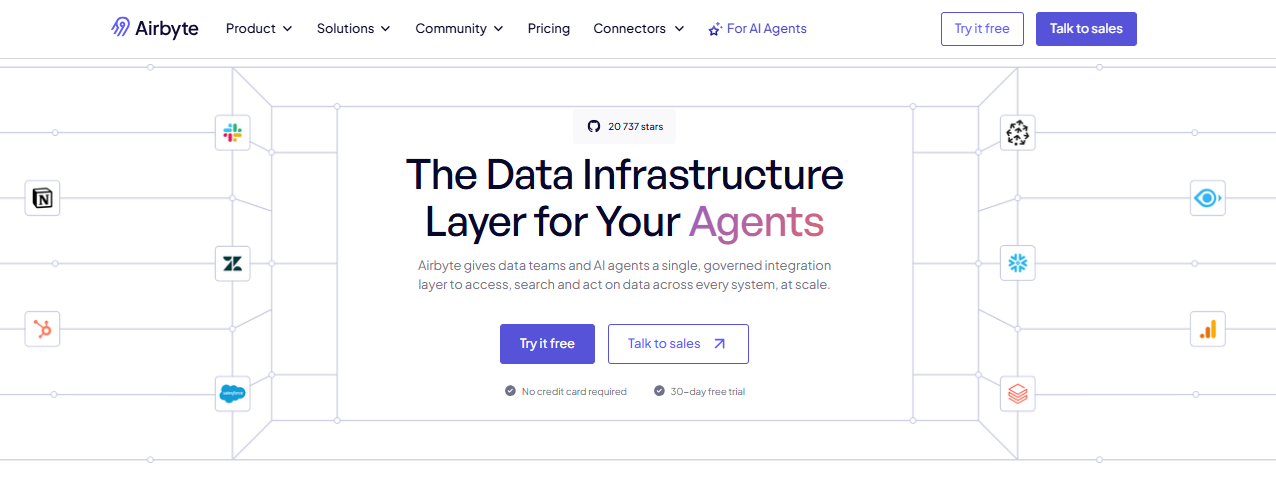
Airbyte
Airbyte is the leading open-source data movement platform created for developer-first teams that need full control over how data is extracted, loaded, and maintained across their stack.
G2 / Capterra Rating
- G2 Crowd 4.4/5
- Capterra review
Best for
Engineering-led teams that prefer open-source tooling, need flexibility beyond no-code platforms, and are willing to trade ease of use for control and customization.
Key Features
- Open-source ELT architecture with a fast-growing connector ecosystem.
- Long-tail connector coverage, including many niche and community-built sources.
- Incremental syncs and CDC support for common databases.
- Self-hosted deployment or managed Airbyte Cloud option.
- Extensible framework for building and maintaining custom connectors.
Pros
- Large and active open-source community.
- Free to use when self-hosted, with no usage-based licensing.
- Strong flexibility for custom and non-standard data pipelines.
- Good coverage of niche and emerging data sources.
Cons
- Needs ongoing engineering and DevOps effort to run reliably.
- Self-hosted version lacks enterprise features like SSO and formal SLAs.
- Operational complexity increases as data volume and pipeline count grow.
AWS Data Migration Service
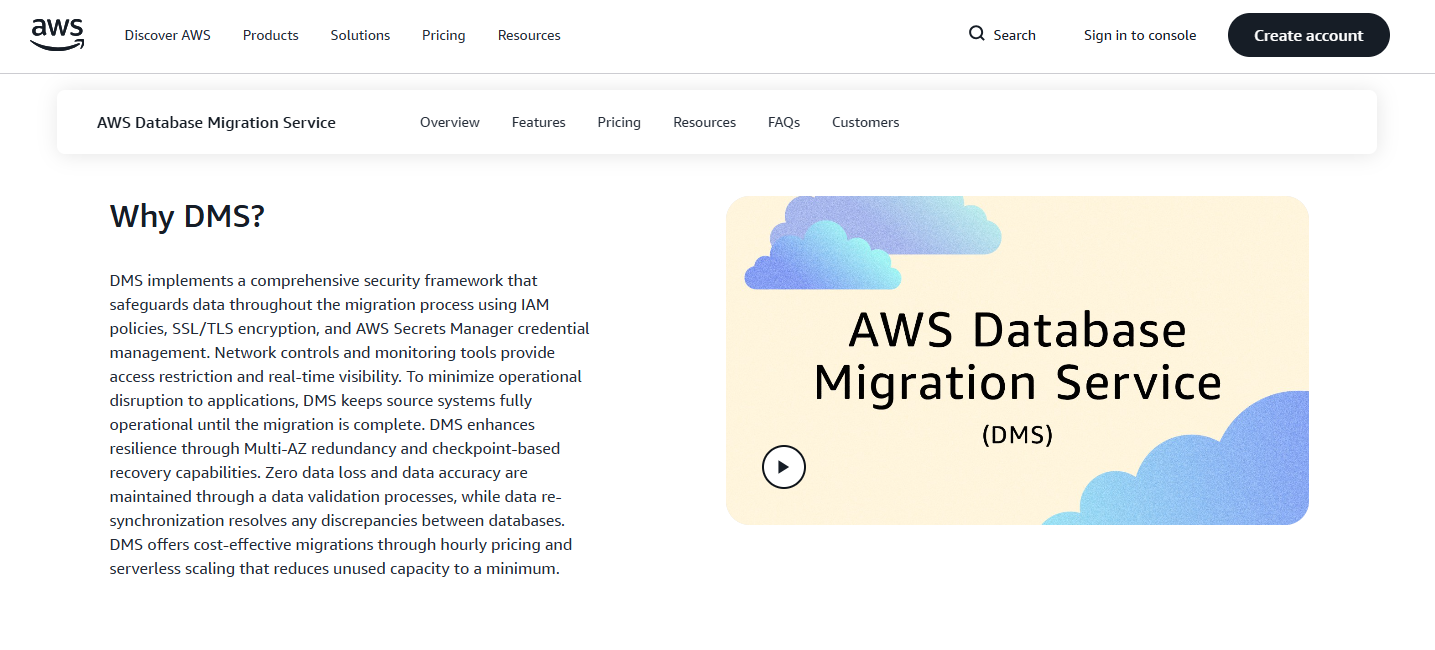
AWS Database Migration Service is Amazon’s native data movement tool designed primarily for migrating and replicating databases into AWS with minimal setup and very low cost.
G2 / Capterra Rating
- G2 Crowd 4.1/5
- Capterra (no reviews yet).
Best for
Teams migrating databases into AWS or moving data between AWS-managed databases, especially for one-time or short-term migration projects rather than ongoing, multi-source data sync.
Key Features
- The service is scalable to accommodate large-scale migrations and complex database environments.
- AWS DMS ensures data security during migration with features like encryption in transit, etc.
- AWS DMS enables the databases’ migration with minimal downtime, allowing businesses to continue operations during the migration process.
- The data replication abilities help consolidate databases into a centralized warehouse or ensure database synchronization during migration.
Pros
- User-friendly UI, accessible for those without deep technical expertise in database migration.
- An ability to support various migration strategies, including homogeneous migrations (like-to-like databases) and heterogeneous migrations (different source and target databases).
- A Schema Conversion Tool for certain database types to convert the source database schema and code automatically to be compatible with the target database.
Cons
- The large-scale migration complexity.
- Limited support for specific data types and databases, especially when dealing with different source and target database migration.
- Complexity when migrating from/to less common database platforms.
Talend
Talend is a powerful, enterprise-grade data movement and integration platform that handles complex transformations, multi-step ETL workflows, and data governance at scale.
G2 / Capterra Rating
Best for
Companies with complex data transformation needs, heterogeneous environments, and dedicated engineering teams that can support Talend’s heavier setup and ongoing operational requirements.
Key Features
- ETL and ELT abilities enable the movement and transformation of data from various sources.
- Data Quality Management includes features for improving data quality, like data cleansing, deduplication, and validation, which are crucial for ensuring the accuracy and reliability of data.
- Talend offers specialized tools for big data integration, enabling businesses to effectively leverage data from big data platforms.
Pros
- The user-friendly graphical UI allows users to design and manage data integration processes visually.
- The platform includes the ability for data governance, ensuring that data handling complies with regulatory standards.
- 1,000 connectors and components make it suitable for complex and diverse data environments.
- The solution is scalable to handle large data volumes, which would be comfortable for enterprises.
Cons
- More complex implementations may require significant resources, both in terms of hardware and expert workforce.
- The cost is the bottleneck for small businesses or those with limited integration needs.
Hevo Data
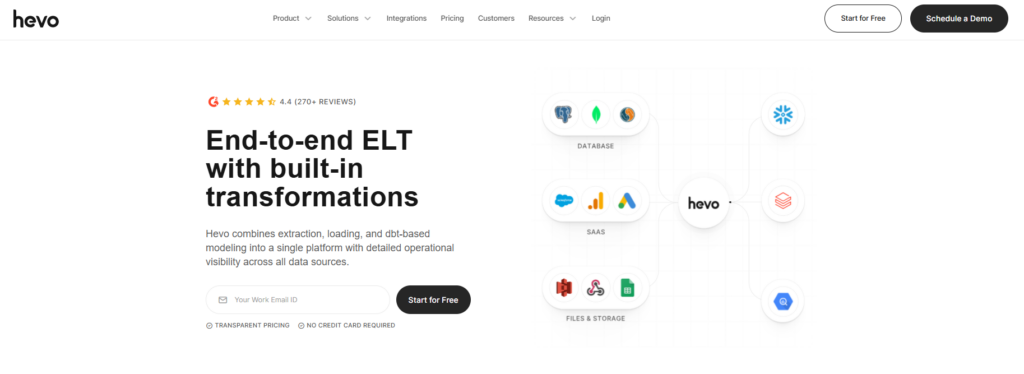
Hevo Data is a cloud-based data movement tool focused on quickly loading data into analytics warehouses, with an emphasis on ease of use and fast onboarding.
G2 / Capterra Rating
Best for
Mid-market teams building or scaling a modern data warehouse who want quick setup, a clean UI, and reliable ingestion without diving into enterprise complexity.
Key Features
- Hevo offers a fully automated pipeline for data integration, eliminating the need for manual intervention and extensive coding.
- The solution provides real-time data replication, ensuring the latest data is always available for analysis in your warehouse.
- It offers ETL and ELT functionalities, providing flexibility in processing and moving data.
- Users can transform and enrich their data using Hevo’s in-built transformation capabilities before loading it into the destination system.
- The solution automatically detects schema changes in the source data and replicates these changes in the destination system.
Pros
- It supports 150+ data sources, including databases, SaaS applications, cloud storage, SDKs for custom sources, and streaming services.
- Hevo can efficiently manage large volumes of data, which suits businesses of all sizes.
- The user-friendly UI may simplify complex data integration tasks for users with varying technical expertise.
Cons
- Depending on the scale of use and the range of features required, the cost can be a stop factor for small businesses or startups.
- Highly complex transformation requirements might need additional processing or tools.
Matillion
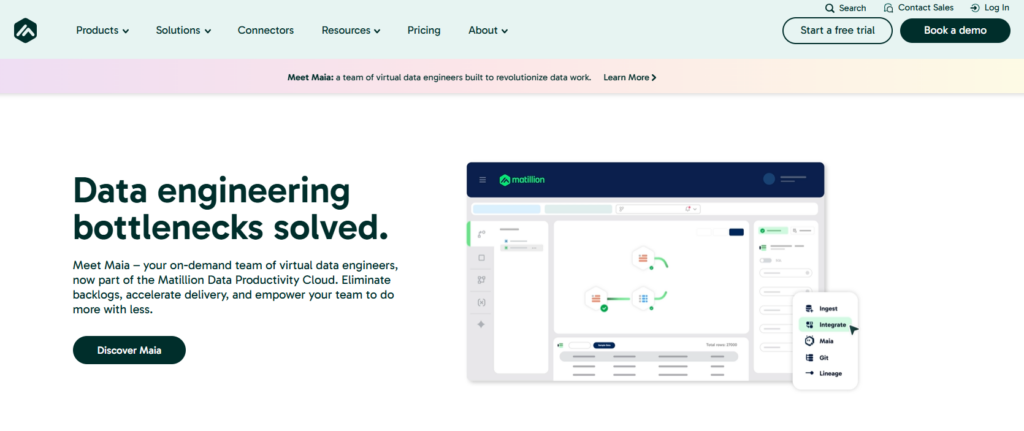
Matillion is a transformation-first data movement tool designed to run inside cloud data warehouses, with a strong focus on ELT workflows rather than simple replication.
G2 / Capterra Rating
Best for
Data teams that already have a cloud warehouse and need powerful, in-warehouse transformations, especially engineers who want tight control over how data is shaped after it lands.
Key Features
- ETL/ELT capabilities enable users to move and transform data from various sources to cloud data warehouses.
- Cloud-native design allows it to integrate seamlessly with cloud data warehouses like Amazon Redshift, Google BigQuery, Snowflake, and Microsoft Azure Synapse.
- Data transformation tools prepare data for analytical and reporting purposes.
- The platform allows for orchestrating complex data workflows and automating data integration tasks.
Pros
- Integration with significant cloud data warehouses makes it a preferred choice for cloud-based data workflows.
- The optimization for high-performance data processing in the cloud fits large-scale data operations.
- The intuitive graphical interface simplifies the design and management of data transformation workflows.
- Matillion offers flexibility in handling 150+ data sources and transformation requirements.
- The system processes data quickly and efficiently, which is crucial for time-sensitive analytics.
Cons
- The Matillion’s cost may be a significant consideration for smaller businesses or those with limited data integration needs.
- Complexity for advanced scenarios might require a deeper technical understanding.
- Dependency on Cloud Environment may not suit businesses looking for on-premises solutions.
- The system can be resource-intensive for extensive data processing tasks, which could impact cloud resource costs.
Integrate.io
Integrate.io is a cloud-based data movement and ETL platform that combines managed connectors with strong transformation capabilities for analytics-focused workflows.
G2 / Capterra Rating
Best for
Teams looking for a balance between no-code usability and transformation depth, especially when building analytics pipelines that require more than basic replication but don’t warrant a fully custom engineering setup.
Key Features
- ETL and ELT functionalities enable users to extract data from 150+ sources, transform it as needed, and load it into their desired destination, such as data warehouses or databases.
- Data transformation tools allow users to clean, format, and enrich data during integration.
- Integrate.io ensures high levels of data security and compliance with regulations like GDPR, making it suitable for businesses concerned with data privacy and security.
Pros
- A low-code approach and intuitive interface make setting up and managing data pipelines easy, broadening their accessibility.
- Being cloud-based, it scales well to handle increasing data loads and complex integration requirements.
Cons
- Cost considerations for smaller businesses or those with limited data integration needs.
- The platform is user-friendly for basic tasks, but complex data transformations require a deeper understanding of data processes.
- Not all integrations may support real-time data processing, which could be a limitation for specific use cases.
Stitch
Stitch is a lightweight, developer-friendly data movement tool focused on simple, reliable data ingestion into analytics warehouses.
G2 / Capterra Rating
Best for
Small to mid-sized teams that want a straightforward, predictable way to move data into a warehouse without the overhead of enterprise platforms or heavy operational complexity.
Key Features
- Stitch follows an ELT model, where data is first extracted and loaded into the target data warehouse, and transformations are performed afterward.
- It supports real-time data replication, allowing businesses to have up-to-date data in their warehouses for timely analytics and decision-making.
- The solution offers automated data sync, reducing manual effort and ensuring data consistency across systems.
Pors
- A user-friendly interface makes setting up and managing data integrations straightforward.
- Users can quickly set up and start data integrations, making it efficient for businesses looking to consolidate data without delay.
- It supports 140+ data sources, providing flexibility in data integration strategies.
Cons
- Stitch may offer limited customization options for complex data transformations and specialized integration scenarios.
- Depending on the pricing plan, there may be limits on data volume, which could be a constraint for larger enterprises.
- The Stitch’s effectiveness may rely on the capabilities and compatibility of the selected target data warehouse.
Informatica
Informatica is a long-standing, enterprise-grade data movement and integration platform built for large organizations with complex data landscapes, governance requirements, and regulated environments.
G2 / Capterra Rating
Best for
Large enterprises that need highly controlled, transformation-heavy data movement across on-prem, cloud, and hybrid systems, and already have the budget and teams to support an enterprise data platform.
Key Features
- Full-spectrum ETL, ELT, and data integration across cloud and on-prem systems.
- Advanced transformation engine for complex business logic.
- Built-in data quality, metadata management, and governance tooling.
- Broad connector support, including legacy systems and enterprise databases.
- Strong security, compliance, and role-based access controls.
Pros
- Extremely powerful and mature platform.
- Handles very complex transformations and enterprise-scale workloads.
- Strong governance, data quality, and compliance capabilities.
- Proven track record in regulated and mission-critical environments.
Cons
- Very expensive compared to modern cloud-native tools.
- Steep learning curve and long implementation timelines.
- Requires specialized skills and dedicated teams to operate.
- Often excessive for simple replication or analysis.
Quick Comparison: Skyvia vs. Competitors
| Tool Name | Pricing Model (Subscription vs. Usage) | Free Trial | Coding Required | Real-Time Support |
|---|---|---|---|---|
| Skyvia | Subscription-oriented, predictable | Yes | No | Yes |
| Fivetran | Usage (Monthly Active Rows) | Yes | No | Yes |
| Airbyte | Self-host (free) / Cloud usage | Yes | High | Yes |
| AWS Database Migration Service | Instance pricing | No | Low | Partial |
| Talend | Enterprise subscription | Limited | High | Yes |
How to Choose the Right Data Movement Tool
Choosing a data movement tool is about picking the one that matches how your team works, how the data grows, and how much operational overhead you’re willing to live with, not about finding the ‘best one” on paper.
Volume
Start by thinking about how pricing scales with your data. Some tools charge by rows processed, like Fivetran’s Monthly Active Rows model, which can feel great at first but become expensive as tables grow or change. Others — like Skyvia — use connector-or subscription-based pricing that’s easier to predict and budget for as data volumes increase.
Latency
Next, think about how fresh the data really needs to be. If dashboards or operational workflows depend on near real-time updates, tools like Hevo are built with that in mind. If daily or scheduled batches are enough, something simpler like Stitch may do the job without extra complexity or cost.
Skills
Finally, be honest about who will own the pipelines and what that means for cost. Developer-friendly, open-source options like Airbyte are free to self-host, but you pay in engineering hours and DevOps resources. No-code platforms like Skyvia are priced upfront and let non-engineers build and operate pipelines, reducing long-term maintenance costs even if there’s a subscription fee. It’s not just about licensing but about the total cost of ownership tied to the skills on the team.
Conclusion
Data movement tools are like public transport for information. They carry data between apps, databases, and cloud platforms so everything arrives where it needs to be, on time and intact.
The right tool takes manual work off your plate and keeps systems aligned without constant supervision, preventing data movement bottlenecks.
The right “route” depends on your situation. Are you migrating once and moving on? Running daily analytics pipelines? Syncing operational systems in near real time? Your sources, destinations, team skills, and budget all shape the decision.
That’s where Skyvia brings together ease of use, broad integration coverage, and reliable automation in one platform. Whether you’re moving data for reporting, syncing CRM and ERP systems, or setting up more advanced pipelines, it handles both simple transfers and complex scenarios without becoming a maintenance project.
Ready to streamline your data movement? Start your free trial with Skyvia today and connect your apps in minutes; no coding required.

F.A.Q. for Top 10 Data Movement Tools

How do data movement tools handle data security?
Most tools use encrypted connections, role-based access controls, and secure storage. Enterprise platforms also support compliance standards and audit logs to protect sensitive data during transfer and storage.
Which is better for my business: ETL or ELT?
ETL transforms data before loading it into a warehouse. ELT loads raw data first, then transforms it inside the warehouse. ELT works well for modern cloud warehouses; ETL fits legacy or strict processing needs.
Are there free data movement tools available?
Yes. Some tools offer free tiers or open-source versions. However, “free” often means paying in engineering time, infrastructure, or limited features compared to paid managed platforms.
Do I need coding skills to use data movement software?
Not always. Many modern tools are no-code and designed for business users. Developer-focused platforms may require coding, especially for custom connectors or advanced workflows.