- Skyvia: Best when you want a no-code, fully automated way to load and sync data, with scheduling, transformations, and monitoring handled for you.
- Fivetran: A good fit for ELT-first pipelines where raw data is pushed into the warehouse and transformed downstream with minimal maintenance.
- Airbyte: Works well for teams that want open-source flexibility and are comfortable managing infrastructure or customizing connectors.
- Zapier: Useful for lightweight, event-driven automation and quick integrations, but not designed for large or complex data pipelines.
- Hevo Data: Strong option when near-real-time ingestion and CDC-style updates matter more than deep transformation logic.
Startups live and die by focus. Data is critical, but building and babysitting custom Python scripts for every pipeline is one of the fastest ways to lose momentum. What starts as a quick hack often turns into a technical debt trap: fragile jobs, silent failures, and engineers spending more time fixing data flows than shipping product.
The reality is that startups don’t look like enterprises. Budgets are tight, data teams are small (or nonexistent), and the stack is usually a moving target:
- HubSpot for marketing.
- Salesforce for sales.
- Stripe for payments.
- Google Ads for acquisition.
All changing schemas, APIs, and priorities at their own pace. Trying to stitch all of that together by hand rarely scales, and it definitely doesn’t stay fun.
That’s why more startups are shifting toward a modern data stack. Instead of rolling their own pipelines, they lean on tools that automate connections, handle schema changes, and keep data flowing without constant intervention.
The goal isn’t to be fancy — it’s to stay flexible, move fast, and keep data working quietly in the background.
In this guide, we review the top data integration tools for startups in 2026, looking at them through a very practical lens: how much they cost, how easy they are to run with a small team, and how well they scale as the business grows.
Table of Contents
- Why Startups Need Specialized Data Integration Tools
- 5 Critical Criteria for Choosing Integration Software for Your Startup
- Top 7 Best Data Integration Software for Startup
- Comparison Table: Skyvia vs. Competitors
- How to Build Your Minimum Viable Data Stack (MVDS)
- Conclusion
Why Startups Need Specialized Data Integration Tools
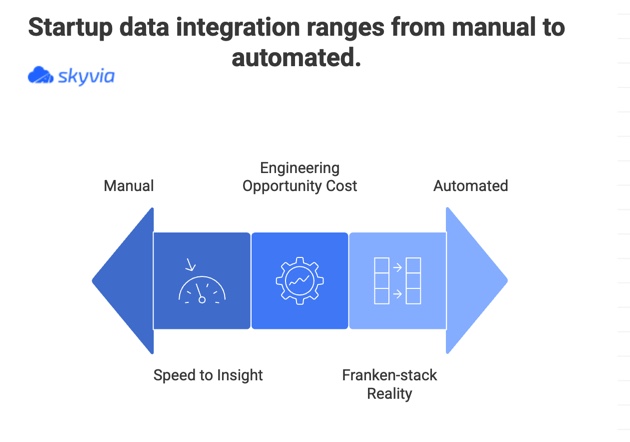
Speed to Insight
In a startup, timing matters. Founders and investors don’t want to hear that the dashboard will be ready “once the pipeline is fixed.” They want answers now. Specialized integration tools shorten the path from raw data to usable insight by handling the plumbing for you, so metrics show up when decisions still matter, not weeks later.
Engineering Opportunity Cost
Every hour an engineer spends chasing a broken API, updating a script, or patching a schema change is an hour not spent on the product. Early on, that trade-off hurts. Dedicated integration tools take this busywork off your plate, letting engineers focus on features customers actually notice instead of quietly maintaining data glue.
The “Franken-stack” Reality
Startup stacks rarely are the same. Today it’s Pipedrive, tomorrow it’s Salesforce. A new billing system, a different ad platform, another analytics tool, it all piles up fast. You need integration software that can roll with those changes, not something that falls apart every time you swap a tool. The best options adapt quickly, so your data keeps flowing even when the stack keeps shifting.
5 Critical Criteria for Choosing Integration Software for Your Startup
1. Pricing That Scales (Predictably)
For startups, predictable pricing matters. The last thing you want is a surprise bill just because the product took off. Some tools charge by rows, events, or sync volume, which can turn growth into a penalty. Flat rates or clear tiers make it much easier to plan ahead without second-guessing every new data source you connect.
2. No-Code / Low-Code Usability
A good rule of thumb is this: can a product manager or marketing analyst set things up without tapping an engineer on the shoulder every time something changes? The tool might be overkill for a startup if the answer is “not.” No-code and low-code solutions let non-technical users create pipelines on their own, so data work keeps moving without slowing the whole team down.
3. Connector Variety (The “Startup Stack”)
Most startups end up with the same kind of toolkit pretty quickly. A CRM like Salesforce or HubSpot, payments in Stripe or QuickBooks, and ad data from Google or Meta are almost always part of the picture. A solid integration tool should handle all of that out of the box, so you’re not burning time building custom connectors just to get the basics wired together.
4. Maintenance & Reliability
Most startups don’t have anyone whose job is to “watch the data pipelines.” And they shouldn’t need one.
The right tool:
- Runs in the background.
- Deals with schema changes.
- Retries when something hiccups.
So, it lets users set things up once and not have to keep an eye on them every day.
5. Scalability (ETL + Reverse ETL)
Getting data into a warehouse is only step one. As a startup grows, that data needs to flow back into the tools teams use every day. For example, pushing enriched data into a CRM so sales or customer success can actually do something with it. Choosing a platform that supports both ETL and reverse ETL helps users scale without running into roadblocks when their data needs become more complex.
Top 7 Best Data Integration Software for Startup
Before diving into the details, it helps to level-set expectations. There’s no single “perfect” integration tool for every startup — each of these shines in slightly different situations, depending on how technical your team is and how fast you’re moving. Below is a practical lineup of tools.
1. Skyvia
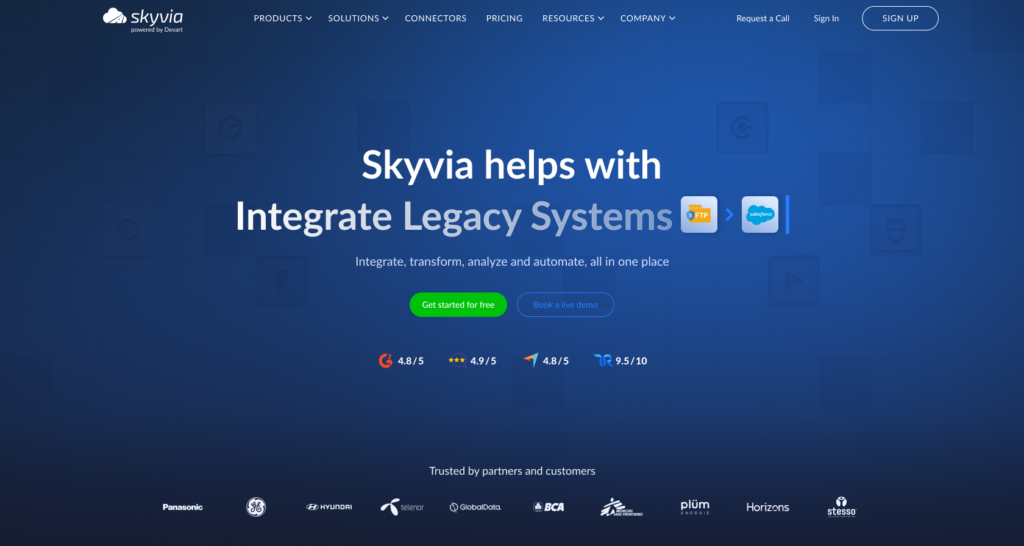
Skyvia is one of the best data integration software options for startups, combining ETL, ELT, reverse ETL, and data backup in a single no-code platform that grows with you instead of getting in the way.
Best For
Startups that want one tool to handle everyday data work without juggling multiple subscriptions or custom setups.
For example:
- Loading data into a warehouse.
- Pushing insights back into CRMs.
- Importing CSVs.
- Keeping backups covered.
Pros
- Freemium model: free tier is a good choice for startups testing ideas and pipelines.
- No-code interface: intuitive, wizard-based setup that lets non-engineers build integrations without writing SQL for basic tasks.
- Versatility: while many competitors focus only on ETL, Skyvia also handles CSV imports (very startup-friendly), cloud-to-cloud syncs like HubSpot ↔ Stripe, and automated backups, which are often overlooked until compliance becomes a real concern.

Cons
- Not built for extreme scale: Skyvia isn’t meant for ultra-low-latency, massive streaming use cases, so teams with very high throughput or real-time demands may eventually outgrow it.
2. Fivetran
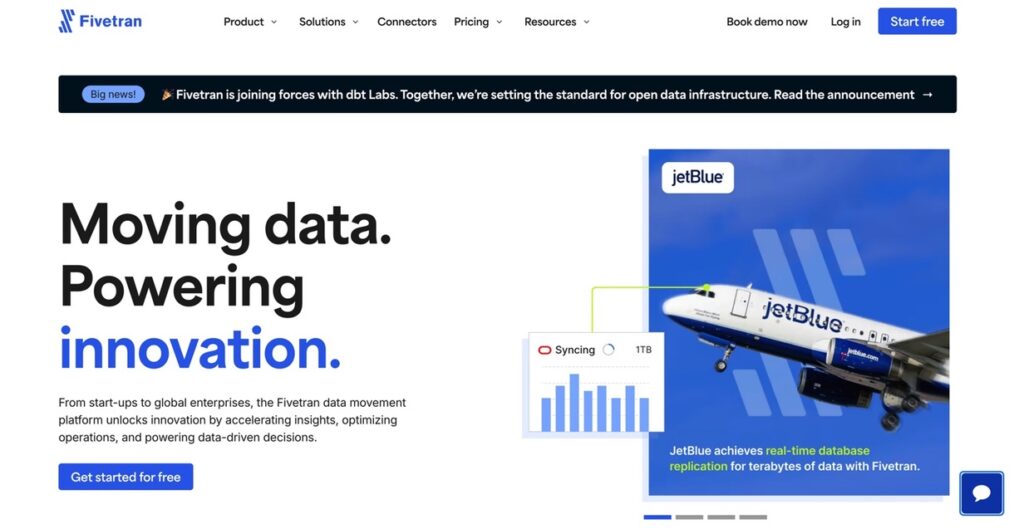
Fivetran is a hands-off, ELT-first platform that automatically pulls data from dozens of SaaS tools into your warehouse and keeps it in sync with minimal setup or ongoing maintenance.
Best For
Well-funded Series B+ startups that already have a data warehouse in place and a data engineering team to manage downstream transformations.
Pros
- Rock-solid reliability: pipelines tend to just run, with little need for manual intervention.
- Clear ELT focus: data lands raw in the warehouse, making it easy to layer dbt or other transformation tools on top.
Cons
- Gets expensive as you scale: Fivetran’s usage-based pricing can ramp up quickly with higher data volumes, which often makes it a tough fit for early-stage or pre-revenue startups.
3. Airbyte
Airbyte is an open-source ELT tool that really clicks with teams who like to build things their own way. It gives you the raw building blocks to move data where you want, how you want, without forcing you into someone else’s rules.
Best for
Startups with strong engineering teams that want ownership over their data stack and are comfortable managing connectors, configs, and infrastructure.
Pros
- Wide connector library: A massive, community-driven catalog means you’ll usually find what you need, even for less common tools.
- High flexibility: Engineers can tweak, extend, or build connectors instead of waiting on vendor updates or hitting hard limits.
Cons
- Operational overhead: Running and maintaining Airbyte takes time. If data pipelines aren’t a core priority, the upkeep can start pulling focus away from product work.
4. Zapier
Zapier is the duct tape of startup automation. Serious analytics or large data pipelines isn’t its story. The platform is useful when you need apps to talk to each other quickly without coding.
Best For
Very early-stage startups that need simple, event-based automations, like sending a Slack message when someone fills out a Typeform or adding new signups to a Google Sheet.
Pros
- Ridiculously easy to use: If you can click through a form, you can build a Zap.
- Everywhere: It connects with almost every tool a startup is likely to use.
Cons
- Not built for analytics: Zapier isn’t designed for moving or modeling large datasets.
- Doesn’t scale well: High volumes get expensive and unreliable.
- Messy over time: Lots of Zaps can turn into hard-to-track “spaghetti” workflows pretty fast.
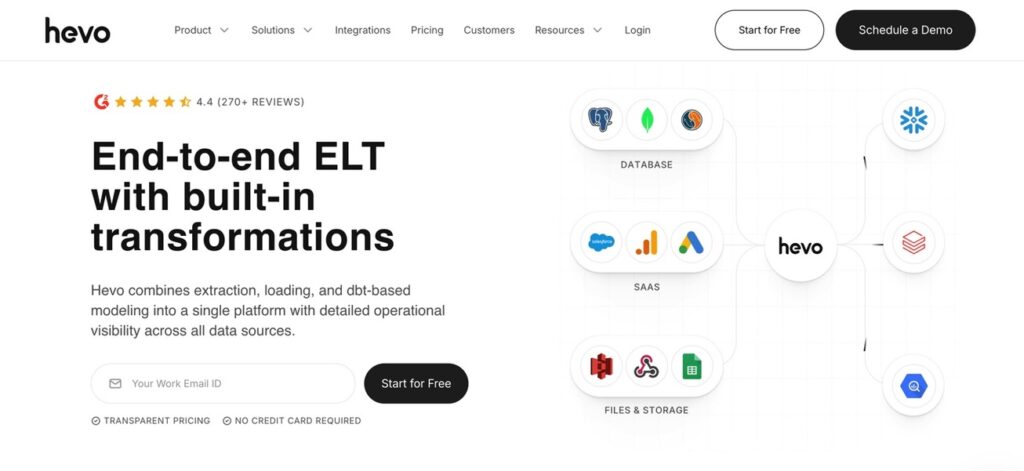
5. Hevo Data
Hevo Data sits in a nice middle ground between power and ease of use. It’s built for teams that want fresh data flowing into their warehouse without having to babysit pipelines all day.
Best For
Startups that care about near real-time data for analytics and want things to work out of the box without a heavy engineering lift.
Pros
- Easy to use: The interface is clean and approachable, even for non-engineers.
- Solid reliability: Strong monitoring and error handling make issues easier to spot and fix.
Cons
- Transforms are limited: Compared to more mature ETL tools, data transformation options can feel restrictive once your analytics needs get more complex.
6. Stitch (Talend)
Stitch is a no-nonsense data integration tool that leans heavily toward developers. It’s solid and dependable, but it definitely more fits technical hands than business ones.
Best For
Developer-focused teams that don’t mind working with JSON, configs, and a more hands-on setup.
Pros
- Backed by Talend: Built on reliable infrastructure with a strong data engineering pedigree.
- Developer-friendly: Straightforward for teams that prefer code and configuration over drag-and-drop.
Cons
- Not very business-friendly: The UI can feel clunky or unintuitive for non-technical users.
- Pricing uncertainty: Changes to the pricing model over time have made long-term planning a bit harder.
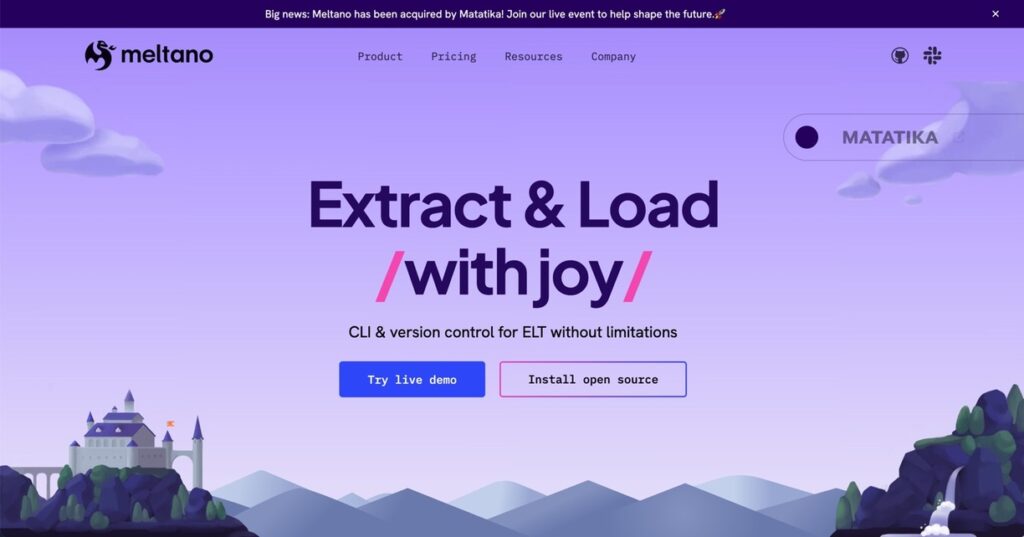
7. Meltano
Meltano is for teams that treat data like code and want full control over every part of the pipeline. It’s cool but it assumes you’re comfortable living in the terminal and thinking in workflows, not dashboards.
Best For
Deeply technical startups that are intentionally building a DataOps culture and want data pipelines to live alongside their application code.
Pros
- Built for engineers: CLI-first setup that fits naturally into developer workflows.
- Version-controlled pipelines: Changes to data pipelines can be tracked, reviewed, and rolled back just like code.
Cons
- Steep learning curve: Non-technical team members will struggle to use or even understand it without help.
Comparison Table: Skyvia vs. Competitors
| Tool | Free Tier Availability | No-Code Support | Pricing Model | Feature Set (ETL + Back |
|---|---|---|---|---|
| Skyvia | Yes (usable freemium) | Yes (fully no-code) | Subscription, predictable tiers | ETL, ELT, Reverse ETL, Data Backup, OData/SQL connectivity (Unified platform) |
| Fivetran | Limited trial | Yes (setup), no pre-load transforms | Usage-based (Monthly Active Rows) | ELT only, no native backup |
| Airbyte | Yes (self-hosted) | Partial (UI + config) | Open source or usage-based cloud | ELT only, no built-in backup |
| Zapier | Yes (task-limited) | Yes | Task-based tiers | Lightweight automation, no ETL or backup |
| Hevo Data | Yes (event-limited) | Yes | Tiered, volume-based | ETL/ELT, no native backup |
| Stitch | Trial only | Yes (ingestion) | Row-based tiers | ELT ingestion only |
| Meltano | Yes (open source) | Low (CLI-first) | Open source / self-managed | ELT framework, no backup |
How to Build Your Minimum Viable Data Stack (MVDS)
Step 1: Pick a Cloud Data Warehouse
Start with a warehouse that won’t punish you for being small. Snowflake and BigQuery are both solid choices here: easy to spin up, generous startup tiers, and flexible enough. It still can help you while the business is growing. The goal isn’t perfection; it’s having one place where data can actually live and be queried.
Step 2: Centralize Data with an Integration Tool
Next, you need a clean way to pull everything together. This is where Skyvia fits nicely. It lets you connect your CRM, billing, ads, and random CSVs into one hub without writing scripts or babysitting pipelines. Set it up once, schedule it, and let it quietly do its thing.
Step 3: Plug in a Visualization Tool
Data sitting in a warehouse doesn’t help much unless people can see it. Tools like Looker Studio or Power BI make it easy to turn raw tables into dashboards founders and teams actually look at. Keep it simple at first — a few core metrics go a long way.
Step 4: Automate and Get Back to Growth
Once reports update on their own, you’re done. No more manual exports, no more last-minute spreadsheet scrambles before investor calls. Your data stack runs in the background, and you can focus on:
- Building.
- Selling.
- Growing.
This is exactly where a startup’s energy should go.
Conclusion
When you’re building a startup, it’s tempting to just solve the problem in front of you and worry about the future later. That’s how a lot of Python scripts are born. They work… until they don’t. And by the time you’ve got real traction and thousands of customers, those quick fixes often turn into a painful bottleneck.
A better approach is to start with something that’s easy and affordable now, but won’t box you in later. Look for a tool that lets you get going for free, handles the boring stuff quietly in the background, and still makes sense when your data volume and team both grow.
If you’re ready to stop patching scripts and want the data pipelines to just work, Skyvia is a solid place to start.
So, stop wrestling with Python scripts. Start your free Skyvia trial today and build the data pipeline in under 15 minutes.

F.A.Q. for Top Data Integration Tools for Startups

How is data integration software different from workflow automation tools like Zapier?
Data integration tools are built for moving and syncing large datasets reliably into warehouses, while tools like Zapier focus on lightweight, event-based automation and don’t scale well for analytics or reporting.
Can I get free data integration software for my startup?
Yes. Many platforms offer free tiers or open-source options that are enough to get started, test pipelines, and validate ideas before you commit to paid plans.
Do I need a data engineer to set up a data pipeline?
Not always. No-code and low-code tools let product or marketing teams set up basic pipelines, though more complex use cases may still benefit from engineering support later.
Should startups use ETL or ELT for their data architecture?
Most startups lean toward ELT early on because it’s faster to set up and works well with modern warehouses, but having ETL options helps when data needs cleaning before it lands.
Is cloud data integration secure for startups handling sensitive user data?
Yes, if you choose the right tool. Look for encryption, access controls, compliance certifications, and clear security practices to keep sensitive data protected.